

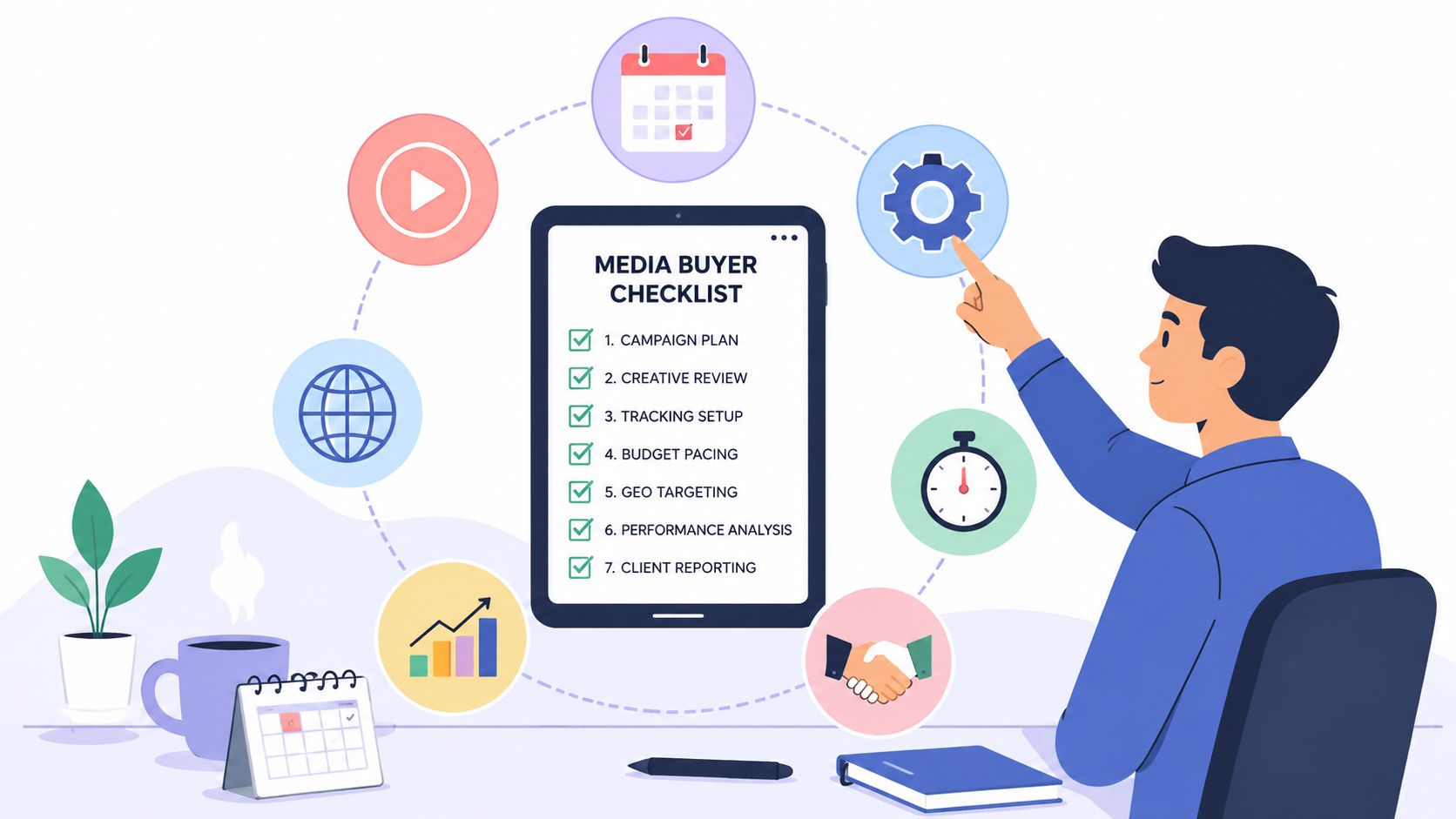
Your new media buyer does not need another welcome email. They need working platform access, a clear campaign map, a named reporting owner, and a manager who knows what “good progress” looks like before the first login.
A generic HR checklist can confirm that paperwork exists. It can't tell a Paid Ads Specialist which Meta Business Manager owns the account, where conversion events are documented, who approves creative, or when they should move from campaign shadowing to supervised optimization. That isn't onboarding. That's administrative theater with a welcome GIF.
A useful onboarding checklist template turns pre-start access, day-one readiness, week-one campaign orientation, and 30/60/90-day expectations into owned tasks. I judged these picks on customization, visibility, documentation, automation, reporting, and fit for remote hiring across time zones. If the bottleneck is finding qualified paid-media talent, teams can also use a pre-vetted hiring marketplace such as HireMediaBuyers.com instead of building the entire talent pipeline from scratch.
Asana's Employee Onboarding Template is the strongest all-rounder when your team already runs work there. You can copy a reusable onboarding project for each hire, assign owners across HR, IT, and the hiring manager, and see whether tasks are moving. That last part matters. A checklist hidden in a document can look complete right up until the new media buyer discovers they still can't access the ad account.
The default structure supports preboarding, the first week, and 30/60/90-day milestones. For a paid-media hire, replace vague tasks such as “learn the business” with concrete work:
Asana's assignees, due dates, dependencies, automations, and status tracking make those handoffs visible. Replicating the same project per hire also helps standardize onboarding across departments without forcing every manager to reinvent the wheel.
Practical rule: Every access task needs an owner who can grant access, not merely someone who can complain about it.
Asana can become overkill if all you need is a one-page list. Advanced approvals and custom fields at scale require paid tiers, and distributed teams need deliberate handoff rules, as explained in this guide to managing distributed teams. Recommendation: choose Asana for accountable, cross-functional onboarding with enough operational detail to support remote media buyers.
ClickUp makes sense for agencies that onboard employees and clients inside the same flexible workspace. Its employee and client onboarding templates offer list and board views, reusable folders, bulk creation, automations, and permissions for managers or clients joining as guests.
That flexibility is useful in paid media, where a new specialist needs both internal setup and account-specific context. Trigger the workflow when a candidate changes to “Hired,” then generate separate tasks for access provisioning, client background, campaign history, creative workflow, and reporting ownership. Keep client-facing context in a controlled area. Don't invite a client into an internal HR checklist and hope permissions will sort themselves out. Hope is not an access-control strategy.
A practical agency setup might include:
ClickUp's community guidance and automation examples can shorten setup, but the platform has a learning curve. Pricing and plan complexity can frustrate smaller teams, with some capabilities gated by higher tiers or AI add-ons. The danger is customization without discipline. Someone starts with a checklist and ends up building an air-traffic-control cockpit for a two-person agency.
Recommendation: use ClickUp when your onboarding process has real branches, client permissions, or repeated agency workflows. Skip it if your team won't maintain the system after the initial setup sprint.
Trello wins on adoption. Its employee onboarding checklist and template boards use familiar cards and lists, so a manager can start building a useful workflow without scheduling a training session about the training session.
Create lists for Preboarding, Day One, Week One, First 30 Days, and 60/90-Day Growth. Then turn each stage into cards with checklists, owners, due dates, and links to supporting documents. For a paid-media hire, the cards should cover platform access, account audits, creative review, reporting cadence, campaign history, and the first supervised optimization.
The visual layout works especially well for remote collaboration. A manager in New York can see that a specialist in São Paulo is waiting on Google Ads access, while the channel lead in London can add campaign notes without searching through chat history. That visibility is straightforward, not complicated, which is precisely why people use it.
Trello's Power-Ups and automations can schedule reminders and recurring tasks. You can duplicate a board for every hire and add labels for platform specialty, time zone, manager, or onboarding risk. Keep the labels restrained. A rainbow of labels doesn't improve a workflow. It just makes the board look like it has a personality.
The trade-off is reporting. Trello is weaker than full project-management suites for checklist granularity, portfolio views, and deep progress analysis. Template examples still need configuration around your actual hiring process, access approvals, and campaign responsibilities.
Recommendation: pick Trello when fast visual adoption matters more than detailed reporting. It's the best low-friction option for a small marketing team that wants everyone to use the checklist rather than admire it in a shared drive.
Notion is the right choice when documentation is the onboarding problem. Its New Hire Onboarding template can become a portal, task database, training hub, and searchable wiki in one workspace. That's valuable for media buyers because campaign context rarely fits neatly into a task title.
Build a paid-media command center with separate pages for platform conventions, naming rules, tracking documentation, client or product context, reporting examples, creative briefs, escalation paths, and frequently asked questions. Add a task database with fields for owner, stage, due date, platform, evidence, and manager review. Embed training videos, reporting calendars, campaign links, and examples of acceptable work.
A strong first-week page might direct the hire to:
Notion eliminates scattered documents only when someone maintains the source of truth. Outdated campaign guidance is worse than no guidance because it creates confidence without accuracy. Database reporting and permissions also take time to master, while advanced analytics and AI features require higher-tier plans.
“A wiki without an owner is just a very attractive fossil.”
Recommendation: choose Notion for documentation-heavy teams, especially when remote hires need asynchronous access to campaign knowledge across time zones. Pair it with a task tool if managers need stronger deadline enforcement.
Smartsheet is the governance pick. Its New Team Member Onboarding Template Set combines schedules, checklists, intake forms, reports, dashboards, reminders, approvals, document attachments, and cross-sheet roll-ups. It's built for leaders who need to know how an entire hiring cohort is progressing, not just whether one new employee checked a box.
For paid-media teams, add fields for platform specialty, access status, manager, time zone, first review date, training milestone, and 30/60/90-day outcome. A portfolio view can show which hires are blocked on permissions, which are ready for campaign shadowing, and which managers haven't completed their check-ins. That's far more useful than a dashboard that merely announces “onboarding: 73% complete.”
Smartsheet suits larger or compliance-sensitive organizations because administrators can impose structure across departments. Intake forms can capture role details before the hire starts, while automated reminders keep HR, IT, and channel leads aligned. Cross-sheet reporting also supports cohort views when several media buyers start around the same period.
The setup is heavier than Trello or a basic project board. Free access and functionality are limited, and the strongest value comes from paid plans and deliberate configuration. You'll need someone who understands both the process and the reporting model. Otherwise, the team may spend more time designing columns than preparing the new hire to review a campaign.
Recommendation: select Smartsheet when auditability, roll-ups, approvals, and enterprise oversight matter. Don't use it for a tiny team that needs a clean checklist by Friday afternoon. That's how you end up mortgaging the office ping-pong table to fund a workflow nobody opens.
Workable is useful when onboarding needs to stay connected to the hiring record. Its onboarding checklists and templates include publicly available resources for pre-day-one, first-day, and first-week activities, while the platform also supports in-product workflows, e-signature document templates, task tracking, notifications, and a centralized portal for employees and managers.
Start with the downloadable checklist if you need speed. Then add the paid-media layer: access provisioning, campaign history, reporting ownership, creative collaboration, manager check-ins, and the evidence required to mark each task complete. “Access requested” and “access tested” are different states. Use both.
The distinction between downloading a checklist and connecting it to the candidate profile is important. A document can help a manager remember tasks. An integrated workflow can connect those tasks to the hire, documents, dates, and notifications. That connection reduces the chance that onboarding becomes an orphaned file after the offer is signed.
Use the first-week tasks to confirm:
Full automation and deeper integrations require a Workable subscription, and availability can vary by plan or bundle. That's a fair trade when your hiring process already lives there, but unnecessary overhead if you only want a standalone board. For teams still deciding how quickly to move from offer to start date, this hiring timeline offers useful planning context.
Recommendation: choose Workable when recruiting and onboarding should share one operational record. Use its public templates as the quick start, but connect them to the hiring workflow before relying on them.
SHRM provides the HR foundation, not a finished paid-media ramp plan. Its professional onboarding resources include downloadable checklists, forms, orientation guidance, and reference material covering preboarding through early employment. For US teams, that compliance-aware coverage gives the process a reliable starting point.
Build the operating layer yourself. A paid-media hire needs the checklist to name platform owners, record permission approvals, confirm equipment, document campaign context, assign reporting ownership, and define the creative request and review workflow. It should also set role-specific ramp milestones, communication norms, and expected time-zone overlap.
For a remote specialist, add tasks such as:
SHRM's strength is credibility and policy alignment. Its weakness is implementation friction. Some deeper resources may be member-only, and the templates are less turnkey than Asana, ClickUp, or Workable. Translate HR language into campaign responsibilities, then place the workflow where managers and new hires will use it.
Remote connection deserves deliberate planning. Virtual engagement activities designed for remote teams can support team integration across time zones, but they cannot replace access checks, training, campaign context, or manager ownership.
Recommendation: use SHRM for policy and compliance, then add a paid-media operating layer. It is a safe foundation, not the fastest route to campaign competence.
| Solution | Implementation complexity | Resource requirements | Expected outcomes | Ideal use cases | Key advantages |
|---|---|---|---|---|---|
| Asana – Employee Onboarding Template | Moderate, ready templates with customizable workflows; advanced features on paid tiers | Asana account, team adoption; paid plan for advanced automations/custom fields | Standardized per-hire project, clear task ownership, deadlines and status visibility | Teams already in Asana needing task-level onboarding across HR, IT, managers; paid-media with assigned owners | Replicable templates, automations, dependencies, cross-functional visibility |
| ClickUp – Onboarding Checklist Templates | Moderate–High, highly customizable; automations add complexity | ClickUp workspace, configuration time; some features gated by higher tiers/AI add-ons | Flexible, triggerable onboarding workflows for employees and clients | Agencies wanting unified employee+client onboarding and powerful automations; paid-media agencies needing triggers and guest permissions | Powerful templates, automations, robust permissions, strong community examples |
| Trello (Atlassian) – New Hire Board Templates | Low, simple Kanban boards easy to duplicate and adopt | Minimal setup; free plan sufficient for basic use; optional Power-Ups | Low-friction visual checklists with collaborative transparency | Teams prioritizing quick adoption and simplicity over deep reporting; fast paid-media ramp boards | Very low learning curve, flexible visual collaboration, fast setup |
| Notion – New Hire Onboarding Template | Moderate, building structured wiki/databases requires design and maintenance | Notion workspace; editor to maintain documentation; paid for advanced features | Centralized onboarding portal combining docs, training and task databases | Teams needing integrated knowledge base + onboarding (e.g., paid-media command center) | Combines documentation and actionable checklists, embeddable content, highly customizable |
| Smartsheet – New Employee Onboarding Set | High, heavier setup for sheets, dashboards and cross-sheet roll-ups | Smartsheet subscription, admin/configuration effort, governance for enterprise scale | Portfolio-level reporting, auditability, cohort tracking and dashboards | Larger or compliance-sensitive organizations needing roll-ups and enterprise controls; complex paid-media teams | Strong reporting, cross-sheet roll-ups, automations and admin controls for scale |
| Workable – Ready-to-Use Checklists & Workflows | Low–Moderate, many ready templates; deeper in-product integrations if using ATS | Free downloadable templates; Workable subscription for integrated workflows and automation | Quick checklist adoption; when in-platform, onboarding linked to candidate records and documents | Teams that want ATS-integrated onboarding or fast-start public templates; hiring-centric workflows for paid-media roles | Large template library, in-product workflows, candidate/profile integration when used with Workable |
| SHRM – Professional Onboarding Checklists | Low–Moderate, guidance-rich but implementation/tooling done by you | Access to SHRM resources (some member-only); HR expertise to adapt and implement | Compliance-aware, practitioner-grade onboarding framework and forms | HR leaders seeking authoritative, US-aligned onboarding standards and governance | High credibility, HR best practices, comprehensive guidance and benchmark templates |
The right tool depends on the failure you're trying to prevent. Choose Trello when fast visual adoption matters most. Choose Notion when documentation, campaign context, and asynchronous learning are the main gaps. Choose Asana or ClickUp when multiple people must own tasks, dependencies, approvals, and deadlines. Choose Smartsheet when leadership needs roll-ups, dashboards, auditability, and cohort oversight.
Use Workable when the hiring record should flow directly into onboarding. Use SHRM for the HR and compliance foundation, especially if your team needs a credible starting point for US employment practices. None of these tools automatically understands paid media. Every one of them will happily let you create a task called “get familiar with campaigns,” which is corporate code for “we'll discover the problem later.”
Your implementation sequence should be compact and operational:
The template is only half the system. Every task needs an owner, a deadline, evidence of completion, and a manager check-in. If you want to improve the process, review which tasks create useful readiness signals, where hires get blocked, and which documentation answers questions without a meeting. A checklist should help someone become effective, not merely help HR report completion.
For teams that need vetted paid-media talent quickly, especially for remote, time-zone-aware roles, HireMediaBuyers.com is a relevant next step. The platform connects US companies with pre-vetted Media Buyers and Paid Ads Specialists for full-time or part-time remote hiring, while the employer still needs to provide the operating context that turns a capable hire into a productive one.
HireMediaBuyers.com helps US companies find pre-vetted Media Buyers and Paid Ads Specialists for remote, full-time or part-time roles across major advertising platforms. Visit HireMediaBuyers.com to explore talent and build an onboarding process that starts with the right person, the right access, and clear campaign outcomes.


